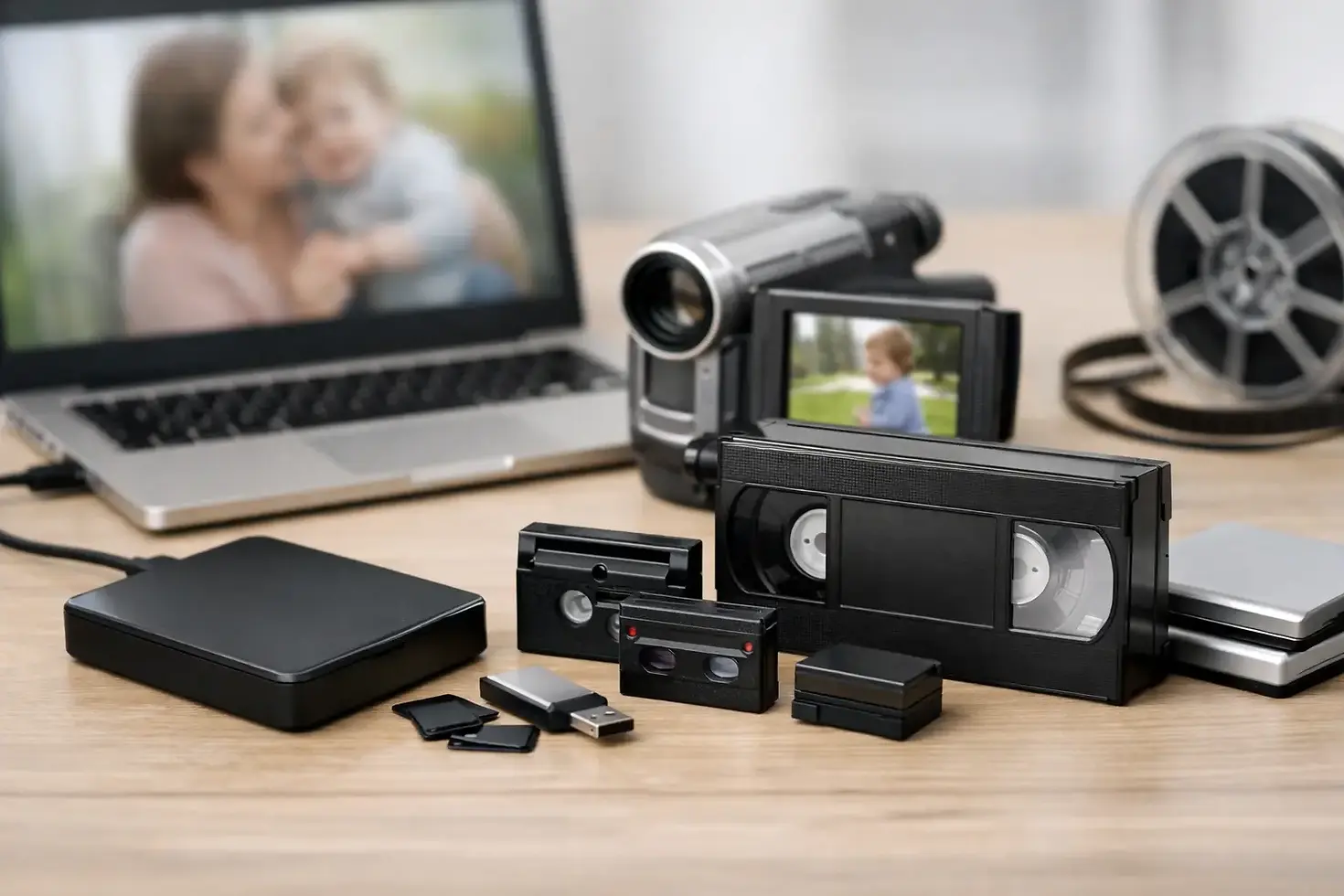
Best Formats for Archiving Family Videos

A box of VHS tapes, a drawer of slides, or a stack of old DVDs can hold moments that exist nowhere else. Choosing the best formats for archiving is not just a technical decision. It determines whether your family memories, historical records, training videos, or business footage can still be opened, viewed, and shared years from now.
The right answer depends on what you are preserving and how you expect to use it. A high-quality preservation file should protect as much of the original detail as possible. A smaller viewing copy should be easy to play on a phone, computer, or smart TV. For most households and organizations, keeping both is the safest approach.
What Makes a Format Good for Archiving?
An archival format needs to do more than look good today. It should be widely supported, documented, stable, and practical to store. It should also preserve enough quality that you are not forced to repeat a transfer from a deteriorating tape, film reel, or recording later.
There is an important distinction between a file format and a codec. A file format, sometimes called a container, is the file type such as MOV, MP4, WAV, or TIFF. A codec is the method used to store the picture or sound inside that file. Two files with the same extension can have very different quality depending on the codec used.
For archival work, avoid making a single compressed copy and calling the job finished. Compression can reduce file size, but it can also discard visual or audio information. That may be acceptable for a convenient sharing copy, but it is not always the best choice for a preservation master.
Best Formats for Archiving Video
For home movies, recorded events, interviews, and organizational footage, video requires the most planning because files can become large quickly. The goal is to capture the original source carefully, then create versions that fit different needs.
Preservation masters: MOV or AVI with a high-quality codec
For valuable footage, a high-quality master file is the foundation of a good archive. MOV and AVI are commonly used containers for professional video files. They can hold high-quality codecs that preserve far more information than a standard streaming or phone-ready file.
For film transfers and important analog video, formats such as Apple ProRes or uncompressed video may be appropriate, depending on the project. These files are large, but they retain more detail for future editing, color correction, and restoration. They are especially useful for 8mm, Super 8, 16mm film, original camera footage, historical interviews, and footage a business may want to reuse in future productions.
Lossless codecs can preserve all captured information, but they require substantial storage space. ProRes files are not fully lossless, yet they are widely used in professional production because they provide excellent quality and are easier to edit than heavily compressed video. The best choice depends on the condition of the original media, the transfer equipment, and whether future editing is likely.
Access copies: MP4 with H.264 or H.265
For everyday viewing, MP4 is usually the most practical format. MP4 files work well on most computers, tablets, phones, smart TVs, and media players. H.264 is broadly compatible and remains an excellent choice for family sharing and standard-definition tape transfers.
H.265, also called HEVC, can create smaller files at similar quality, especially for high-definition video. The trade-off is compatibility. Older TVs, computers, and editing programs may not play H.265 as easily as H.264. If you want the simplest file to share with relatives or staff members, H.264 MP4 is often the safer option.
A good video archive commonly includes a high-quality master plus an MP4 viewing copy. The master protects the transfer. The MP4 makes the memories easy to enjoy.
Best Formats for Archiving Photos, Slides, and Negatives
Photos may look simple, but they deserve the same attention as video. A scan should be detailed enough for future prints, cropping, and restoration, especially when working with slides and negatives.
TIFF for preservation scans
TIFF is one of the best formats for archiving photographs, slides, and negatives. It supports high-resolution images and can be saved without the quality loss associated with repeated JPEG compression. TIFF files are larger, but they preserve the most flexibility for retouching, enlargements, and future projects.
For a family collection, TIFF masters are a wise choice for irreplaceable images such as wedding portraits, military photos, school pictures, historical property images, and photographs of relatives who have passed away. For organizations, TIFF is well suited to archives, product photography, historical collections, and images that may be used in print.
JPEG for sharing and everyday use
JPEG remains useful because it is easy to email, upload, print, and view almost anywhere. It is not usually the best sole preservation format because it uses compression, but it is an excellent access copy. Keeping a TIFF master and a properly named JPEG copy gives you quality and convenience without asking everyone to manage enormous files.
Best Formats for Archiving Audio
Old cassette tapes, reel-to-reel recordings, voice messages, and recorded meetings can deteriorate quietly. Once transferred, the file format matters.
WAV is a dependable choice for archival audio because it stores uncompressed sound and is widely recognized. It is particularly appropriate for interviews, oral histories, music performances, church recordings, legal or organizational records, and family recordings where every detail matters.
FLAC is another strong option. It uses lossless compression, which reduces file size without removing audio information. FLAC can be an efficient format for large music or spoken-word collections, although WAV may still be preferred when the simplest professional workflow is needed.
MP3 is convenient for listening, but it is a compressed format. Use it as a listening copy, not as the only archive of a valuable recording. The same principle applies to AAC audio files.
Documents, DVDs, and Data Discs Need Different Planning
For scanned documents, PDF/A is a practical long-term choice because it is designed for preservation and does not rely on outside fonts or other resources that may disappear. If you are scanning contracts, newsletters, certificates, meeting records, or family papers, searchable PDF/A files can make a collection far easier to use.
For spreadsheets and databases, keep an original copy along with a simple export format such as CSV when possible. Proprietary software changes over time. A CSV file may not preserve every formula or visual detail, but it can preserve the underlying information in a format that many programs can read.
DVDs and CDs can be useful delivery media, but they should not be the only place your archive lives. Discs can scratch, delaminate, or become difficult to read. DVD players and disc drives are also becoming less common. If you receive files on a DVD or USB drive, copy them promptly to a managed storage system.
File Naming Matters as Much as File Type
An archive is only helpful if you can find what you need. Give files names that explain what they contain without relying on vague labels like “Tape 1” or “Grandma Video.” A name such as `1994-12-25SmithFamilyChristmasVHS01.mp4` provides a date, people, event, and source reference.
For businesses, use a naming system that includes the project, date, department, and version when needed. Keep names consistent. Avoid unusual symbols that can cause problems on certain devices or cloud services.
It also helps to maintain a simple inventory listing the original item, its condition, transfer date, file names, and storage locations. This is especially valuable for large family collections and organizational archives.
Storage Is Part of the Archive
Even the best file format cannot protect a collection if it sits on one hard drive that fails. A dependable plan follows the 3-2-1 principle: keep at least three copies of your files, on two different types of storage, with one copy stored away from your home or office.
For example, you might keep files on an external hard drive, a second drive stored at a relative's house or secure location, and a reputable cloud storage account. Check the files periodically. Open a few videos, photos, and audio files every year to confirm they still work. Replace aging drives before they fail, not after.
Do not assume a cloud account alone is enough. Accounts can be closed, passwords can be lost, and storage plans can change. Local copies give you control, while an off-site copy protects against fire, flooding, theft, or other local damage.
When to Use Professional Transfer and Preservation Help
The format decision begins with the transfer itself. A damaged VHS tape, brittle film reel, moldy cassette, or fading slide cannot be improved by saving it in a newer file type. It needs careful handling and the right equipment before digitization.
Digital Transfer Service of West Virginia helps families, businesses, and organizations convert analog media into useful digital files while preserving the best available quality from the original source. For many projects, the most practical result is a high-quality archival file paired with easy-to-watch MP4 copies for sharing.
Your archive does not need to be complicated. Start with the media that would be hardest to replace, choose a preservation master and a convenient viewing copy, and store more than one copy in more than one place. The memories will be easier to enjoy now and far more likely to remain available when the next generation asks to see them.


Comments