Best Formats for Family Archives That Last

A box of VHS tapes, yellowing photos, and a few unlabeled audio cassettes can hold more family history than any scrapbook. The challenge is that the devices needed to play them are disappearing, while the media itself continues to age. Choosing the best formats for family archives means thinking beyond what looks good on a phone today. It means creating files that are easy to use now and dependable enough to keep for the next generation.
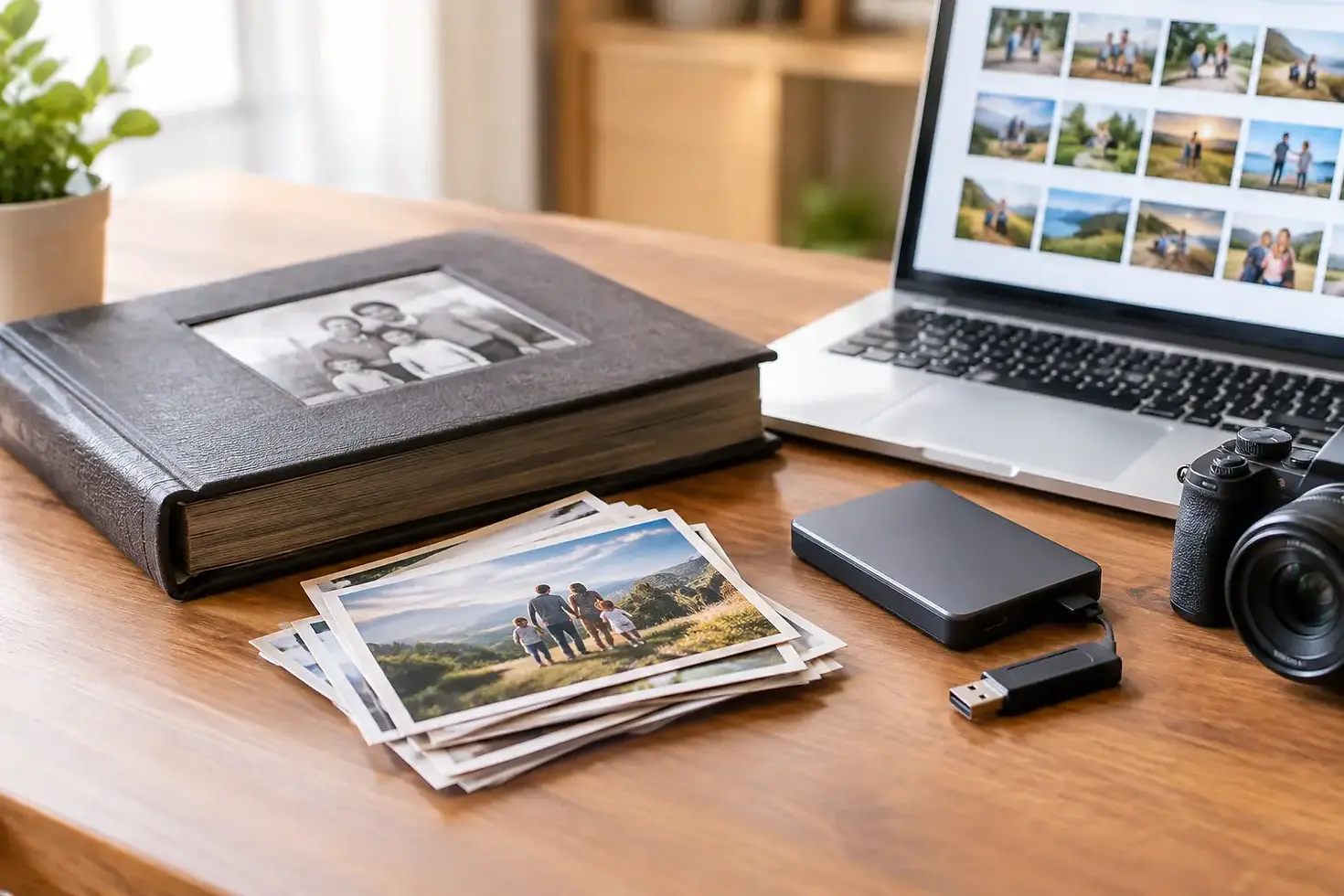
For most families, the right answer is not one format. A smart archive includes a high-quality preservation copy, a convenient copy for everyday viewing, and more than one safe place to store both. That approach protects the original character of a wedding film, a grandparent's voice, or a child's first birthday while making those memories simple to share.
The Best Formats for Family Archives Use a Two-Copy Plan
The best archival file is not always the best file to text to a relative. Large, high-quality files preserve more image or sound detail, but they can require more storage and may not play easily on every device. Smaller files are convenient, but they use compression that removes information.
For that reason, families should keep two versions whenever possible. The first is a preservation master: a high-quality file created from the original tape, film, photo, slide, negative, or recording. The second is an access copy: a smaller, broadly compatible file made for watching, sharing, and adding to a smart TV, computer, or phone.
Keep the original media, too, when it is safe to do so. Even after transfer, original films, tapes, and negatives may contain details that future technology can capture differently. Store them in a cool, dry place away from direct sunlight, attics, basements, and magnetic fields.
Best Video Formats for Home Movies
Preservation video: MOV or AVI, depending on the source
For family video, a high-quality MOV or AVI file can be a good preservation choice when it is created with an appropriate editing or archival codec. These files can be large, but that size reflects the amount of visual information retained from the transfer.
The best choice depends on the original material. A Super 8mm, 8mm, or 16mm film transfer benefits from a high-resolution master that preserves the film grain, color, and motion as faithfully as possible. VHS, VHS-C, Hi8, Video8, MiniDV, and other videotapes have lower native resolution than film, so making an oversized file will not create detail that was never on the tape. It can still be worthwhile to retain a carefully captured master before additional compression is applied.
Ask your transfer provider what file type and resolution they use for the master. The goal is not to chase technical specifications for their own sake. The goal is to avoid an unnecessarily compressed first copy of an irreplaceable recording.
Sharing video: MP4 with H.264 or H.265
MP4 is the practical standard for family viewing and sharing. It plays on most computers, phones, tablets, smart TVs, and media players without special software. An MP4 using H.264 video compression is especially dependable for broad compatibility.
H.265 can create a smaller file at similar quality, which is useful for long recordings or limited storage. The trade-off is that older devices may not play it as reliably. If you want the widest possible access for relatives using a mix of newer and older devices, H.264 MP4 remains a safe choice.
For most households, a high-quality MP4 is ideal for watching home movies, creating a family montage, or sending clips to relatives. It should be considered the viewing copy, not the only copy.
Best Formats for Scanned Photos, Slides, and Negatives
Preservation images: TIFF
TIFF is widely used for archival-quality image storage because it can preserve a scan with little or no compression. It is an excellent choice for important prints, slides, and negatives, particularly images that may later be enlarged, restored, color-corrected, or used in a photo book.
TIFF files are larger than everyday image files, and they are not as convenient for emailing or browsing on a phone. That is the trade-off. For a small selection of meaningful photographs, such as wedding portraits, military photos, family reunions, or images of relatives who have passed away, the extra storage is usually worthwhile.
Scanning from negatives or slides often provides more image information than scanning from a print, especially when the print has faded or been damaged. A professional transfer can also help address dust, color shifts, and exposure issues without changing the character of the original photograph.
Sharing images: JPEG
JPEG is still the most useful format for daily access. It is compact, easy to send, and accepted almost everywhere. Save JPEG copies from your TIFF master files for email, social media, digital frames, and family group chats.
Use a high-quality JPEG setting rather than repeatedly saving and resaving the same file. Each additional round of JPEG compression can reduce quality. Keep the TIFF as the file you edit from, then export a fresh JPEG whenever you need one.
Best Formats for Family Audio Recordings
Preservation audio: WAV
WAV is a strong choice for preserving audio cassettes, reel-to-reel recordings, interviews, and voice messages. It is an uncompressed format, meaning it retains the full quality captured during transfer. For a recording of a loved one's voice, that extra fidelity can matter.
A WAV file will take more storage space than a compressed audio file, but spoken-word recordings and home audio collections are usually manageable on modern hard drives. Label each recording clearly with names, dates, locations, and any known context. A file named “Tape 3” will not mean much to a grandchild years from now.
Sharing audio: MP3
MP3 remains the easy format for listening on nearly any device. It works well for sharing family interviews, old answering-machine messages, recital recordings, and oral histories. Export it from the WAV master at a good quality setting, and keep both versions.
If an audio tape is broken, warped, moldy, or shedding material, do not attempt repeated playback at home. Each pass can cause further damage. Tape repair and careful transfer should happen before the recording becomes inaccessible.
Storage Matters as Much as File Format
A perfect file format cannot protect a family archive if it exists on one aging computer. Use the 3-2-1 approach: keep at least three copies, on two different types of storage, with one copy stored somewhere else.
For example, you might keep a master archive on an external hard drive, a second copy on another drive stored at a relative's house, and an additional copy in a reputable cloud storage account. Check the files once or twice a year. Open a few videos, photos, and recordings to confirm that the drives and files are still working.
Avoid relying only on DVDs, CDs, USB flash drives, or a single social media account. Discs can deteriorate, flash drives can fail without warning, and online platforms may change their policies or compress uploaded media. These can be useful sharing tools, but they should not be the sole home for your archive.
Organize the Archive While the Details Are Known
The file name is part of preservation. A simple naming pattern such as “1987-06-14Smith-Family-ReunionCharleston-WV” is more useful than “IMG_0042.” When the exact date is unknown, use an estimated year and note that it is approximate.
Create folders by year, event, or family branch, and include a short text document with names and background details. Identify people from left to right in group photos. Write down nicknames, maiden names, military service, hometowns, and stories connected to the recording. Technical preservation keeps the file alive; context keeps the memory alive.
If the project feels overwhelming, start with the most vulnerable media. Film and videotape can deteriorate, and playback equipment is increasingly difficult to find. Digital Transfer Service of West Virginia can help families convert film, videotapes, slides, negatives, and audio recordings into usable digital files with the personal guidance that irreplaceable materials deserve.
A family archive does not need to be finished all at once. Begin with one box, one tape, or one photo album, label what you know, and make two good digital copies. The most meaningful format is the one your family can still open, recognize, and enjoy when someone asks, years from now, “Who is that?”


Comments