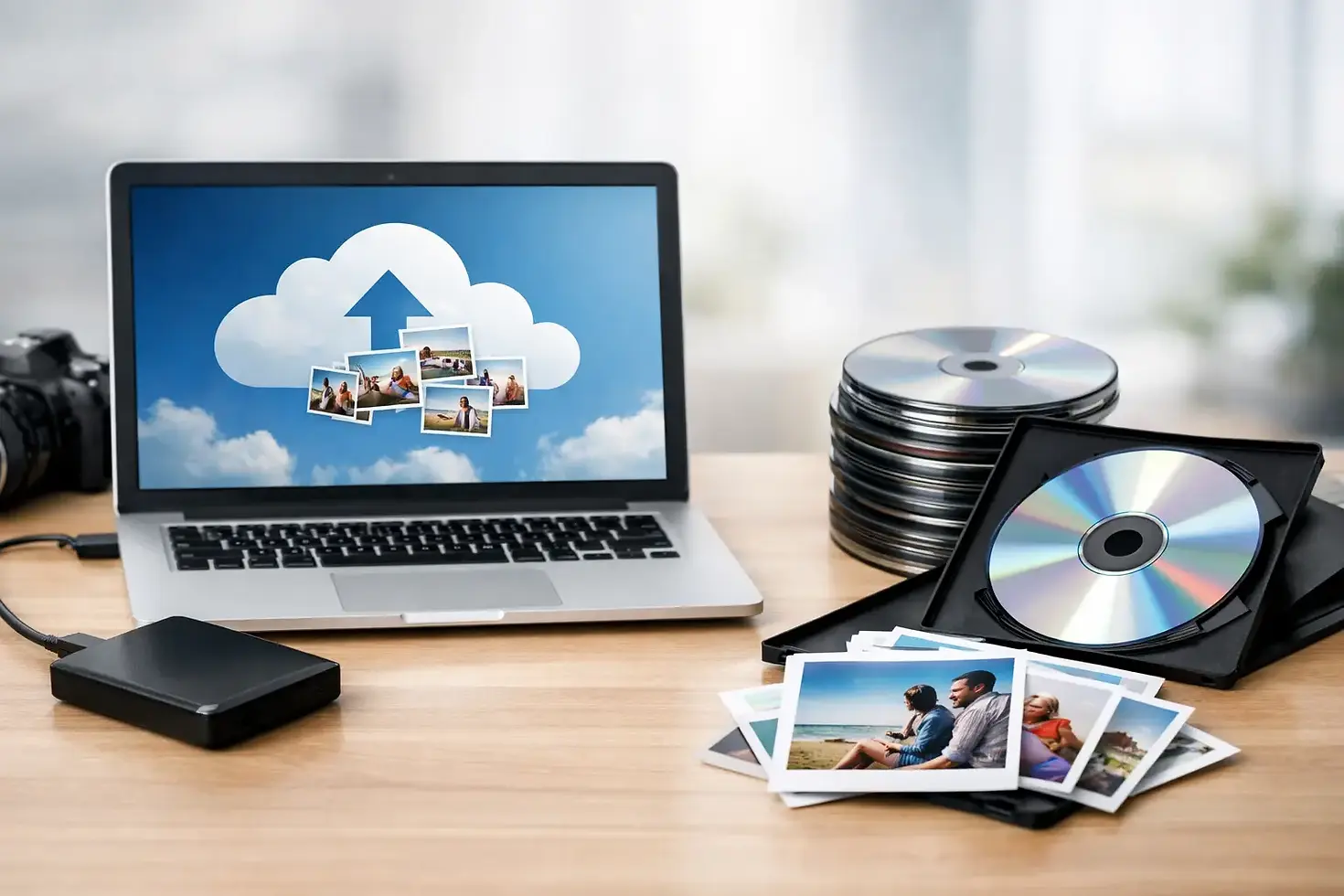
Cloud Backup vs DVD: Where Memories Belong

A box of home movies can hold a child’s first steps, a grandparent’s voice, a wedding toast, or footage of a business milestone that cannot be recreated. Once those tapes, film reels, photos, or discs have been digitized, the next question is often cloud backup vs DVD. Which one actually keeps those files safe, accessible, and ready to share?
For most families and organizations, the best answer is not to choose one format and hope for the best. Cloud storage and DVDs solve different problems. A cloud backup protects against local loss and makes files easier to reach from more than one place. A DVD provides a physical copy that can be handed to a relative, placed in an archive, or played without depending on an account, password, or internet connection.
Cloud Backup vs DVD: The Core Difference
Cloud backup means your digital files are copied to secure online storage. Your videos, scanned photos, audio recordings, and documents are stored on servers operated by a provider and can usually be accessed through an internet connection. If your computer fails, a hard drive is misplaced, or a house fire damages your local equipment, the online copy may still be available.
A DVD is a physical optical disc containing a video or data file. It is tangible, simple to distribute, and familiar to many households. For a family reunion, a memorial project, or a local historical archive, there is real value in being able to label a disc and put it directly in someone’s hands.
The distinction matters because neither option is automatically permanent. Cloud services depend on an active account, payment status, internet access, and the provider’s continued operation. DVDs can be scratched, exposed to heat, misplaced, or become harder to play as DVD drives disappear from newer computers. Preservation works best when important material is stored in more than one place and checked from time to time.
When Cloud Backup Makes the Most Sense
Cloud backup is especially useful when access and protection are the priorities. A family member in another state can view a digitized home movie without waiting for a disc to arrive. A business can retrieve a training video, old presentation, or promotional footage when staff are working from different locations. A cloud copy also helps protect against the kind of loss that affects everything stored in one building.
For growing collections, cloud storage is convenient. You can add new phone videos, scanned photographs, and recently converted tapes as they are created. Rather than making a new DVD every time your collection changes, the cloud folder can be updated continuously.
Cloud backup also supports sharing, but sharing should be handled carefully. Personal footage may include children, private events, customer information, or internal business material. Use strong passwords, enable multi-factor authentication when available, and limit shared access to the people who need it. Convenience should not come at the expense of privacy.
There are trade-offs. Uploading large video files can take time, particularly with slower rural internet connections. Monthly or annual storage costs can add up, and the service may change its terms, pricing, or file-sharing features. It is wise to keep an independent copy of your original digital files rather than treating any single cloud account as your only archive.
Cloud Storage Is Best for Active Access
Choose cloud backup when you expect to watch, share, organize, or add to your collection regularly. It is a practical home for files you want available from a phone, computer, or smart TV. It is also a valuable off-site safety copy for media that would be difficult or impossible to replace.
When DVDs Still Have a Place
DVDs are not outdated simply because streaming is common. They remain useful when you want a straightforward physical delivery format. Many people appreciate receiving a finished DVD of a transferred VHS tape or film reel because it feels complete and easy to give as a gift.
A DVD can be a good choice for relatives who are not comfortable managing online accounts or downloading large video files. It can also serve community groups, churches, schools, and small businesses that need a physical copy for a presentation, record, or limited distribution. A properly labeled disc can be easier to locate in a filing cabinet than a folder buried in an unfamiliar cloud account.
Physical copies are also helpful when internet service is unreliable. If a family wants to watch old home movies at a cabin, during a gathering, or in a location without dependable connectivity, a DVD and compatible player may be the simplest solution.
Still, a DVD should not be the only copy of important media. Discs are vulnerable to handling damage and may not be readable forever. Store them upright in protective cases, away from direct sunlight, humidity, extreme temperatures, and adhesive labels that can affect the disc surface. Every few years, play or test the discs to confirm they still work.
DVDs Are Best for Giving and Keeping
Choose DVDs when you need a physical keepsake, a simple presentation copy, or an easy way to share a finished video with someone who prefers a disc. For preservation, pair that disc with a digital master and a separate backup location.
The Better Plan: Use More Than One Copy
The most dependable preservation approach is often called the 3-2-1 rule. Keep at least three copies of important files, on two different kinds of storage, with one copy stored off-site. You do not need a complicated technical setup to use the idea.
For example, after a collection of VHS tapes, 8mm film, photos, or audio cassettes is digitized, keep the original high-quality digital files on an external hard drive. Maintain another copy in cloud storage. Then create DVDs for family members or for the videos most likely to be watched and shared. This combination protects access as well as preservation.
For a business, the plan may look slightly different. Keep master files and edited versions in an organized local archive, maintain an off-site cloud backup, and create DVDs only when a client, event, or internal department needs a physical copy. Naming files clearly is just as important as choosing storage. Include the date, subject, location, and version where possible, such as “2012-06-15 Company Picnic Edited Master.”
Do not overlook the original source material. Even after transfer, keep tapes, reels, slides, negatives, and original photos if storage allows. A future restoration process may benefit from the original, especially if technology improves or you later want a different edit, color correction, or output format.
Start With a Quality Digital Transfer
Storage cannot repair a poor transfer. If a tape has tracking issues, mold, broken housing, or visible damage, it should be inspected before playback. Film may need cleaning and careful handling. Older formats require the right equipment, and repeated playback on aging machines can increase the risk to irreplaceable media.
Digital Transfer Service of West Virginia helps families, organizations, and businesses move legacy media into usable digital formats while also providing DVD copies when they make sense. Professional transfer gives you a clean starting point for a practical backup plan, whether the material began on VHS, camcorder tape, Super 8, 8mm, 16mm film, audio tape, slides, negatives, or older discs.
Ask for files in a format that fits how you plan to use them. A high-quality master file is useful for long-term preservation and future editing. A smaller, easy-to-play copy may be better for sharing by email, storing on a phone, or playing on a smart TV. These are different needs, and having both versions can save time later.
How Often Should You Check Your Archive?
A backup is only useful if it can be found and opened. Set a reminder once a year to sign in to your cloud account, review your storage plan, and open a few files. Check external hard drives as well. For DVDs, test a sample of discs and look for scratches, playback errors, or devices that no longer support the format.
This is also a good time to update your organization. Add names to unidentified people in old footage, write down dates and locations, and make sure a trusted family member or colleague knows where the archive is stored. The story behind the recording can be as valuable as the recording itself.
The choice between cloud backup and DVD becomes much easier when you stop treating it as a contest. Put the files you want to access and protect off-site in the cloud, keep a local digital master, and use DVDs where a physical copy adds comfort, convenience, or meaning. Your memories deserve more than one path into the future.


Comments