
Media Digitization for Memories That Last
- Sabe Ellis
- Jul 10
- 6 min read

A box of VHS tapes in the attic, a reel of 8mm film from a family reunion, or an old cassette containing a loved one's voice may look harmless sitting on a shelf. The problem is that every year makes those formats harder to play, repair, and preserve. Media digitization gives families, businesses, and community organizations a practical way to protect those recordings before the original media or the equipment needed to view it is gone.
The goal is not simply to copy an old tape to a new device. A professional transfer process helps preserve the content, improve usability, and place it in a format that works with the screens, storage systems, and sharing methods people use now. For irreplaceable memories and important records, that difference matters.
Why Old Media Cannot Wait Forever
Analog media has a lifespan, even when it has been stored carefully. Videotape can develop mold, shed magnetic material, stretch, or become brittle. Film can fade, curl, shrink, or become scratched. Audio cassettes can lose clarity, while slides and photographs may discolor from heat, moisture, and age.
There is also a second risk: playback equipment is disappearing. A perfectly intact MiniDV tape, VHS-C cassette, or 16mm film reel is of little use if no dependable machine is available to play it. Consumer decks and projectors wear out, and using a poorly maintained machine can damage the media you are trying to save.
This is why waiting for a special occasion can be costly. Many people plan to transfer their home movies after retirement, before a milestone birthday, or when they have more time. Unfortunately, deterioration does not follow a family calendar. Starting the process now gives you more options if a tape needs repair or a film reel requires careful handling.
What Media Digitization Can Preserve
A good preservation plan begins by identifying what you have. Homes often contain more formats than expected, especially when several generations of family records are involved. Businesses and organizations may have training videos, event recordings, interviews, promotional materials, or archived presentations stored on formats that no longer fit their daily workflow.
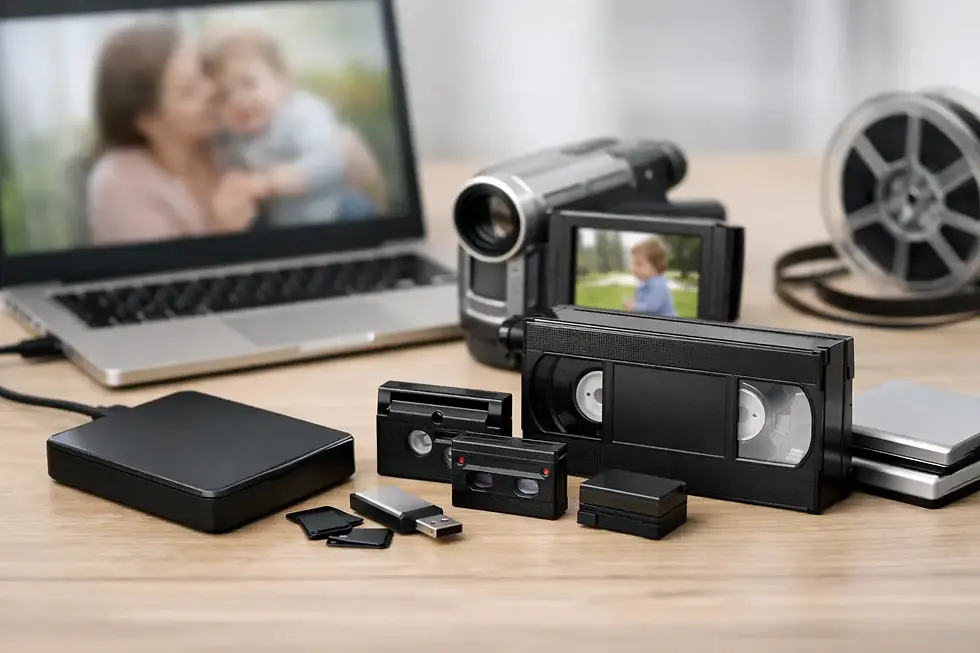
Common formats suitable for media digitization include VHS, VHS-C, Hi8, Video8, Digital8, MiniDV, Beta, and other videotape formats. Film transfers can preserve Super 8mm, 8mm, and 16mm reels. Audio recordings may come from cassette tapes, reel-to-reel recordings, or other legacy sources. Slides, negatives, and printed photographs can also be converted into high-quality digital image files.
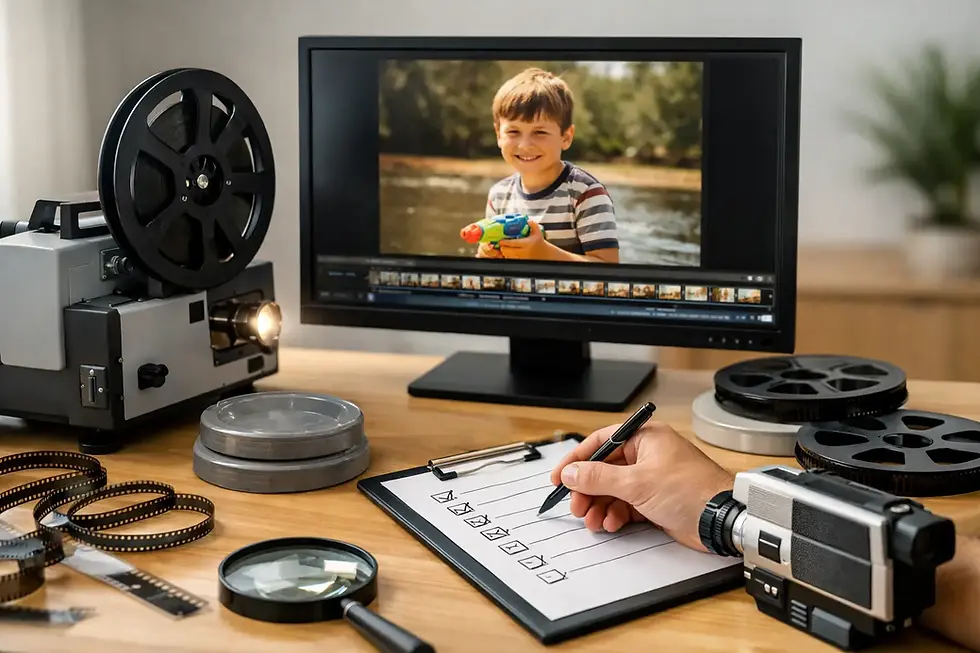
Each format calls for a different approach. Film should be handled with attention to frame condition and image stability. Tape may need cleaning, repair, or careful playback adjustment before transfer. Photos, slides, and negatives benefit from accurate scanning and color correction. The right process depends on the item, its condition, and how you intend to use the finished files.
For example, a family may want a single digital collection for viewing on a smart TV and sharing with relatives. A small business may need short clips edited from older footage for a presentation, website, or social media campaign. An organization may need searchable, organized files that make years of historical records accessible to staff. The same original tape can require a different final product for each customer.
A Professional Transfer Is More Than a Simple Copy
It can be tempting to buy an adapter or used player and attempt a transfer at home. For a tape that can easily be replaced, that may be a reasonable choice. For aging, damaged, or one-of-a-kind recordings, the risks are higher.
Professional media digitization starts with proper playback equipment and a process designed to capture the best available signal from the original. The transfer may include monitoring for tracking problems, dropped audio, tape damage, or playback interruptions. If the tape has snapped, has a damaged housing, or will not play correctly, repair may be needed before the content can be captured.
Quality also depends on the delivery format. A DVD may still be useful for someone who wants a familiar disc they can play at home, while an MP4 video file is generally more flexible for computers, smartphones, smart TVs, and sharing with family. Audio files, scanned images, and video files should be clearly organized so customers can find the right event, person, or date later.
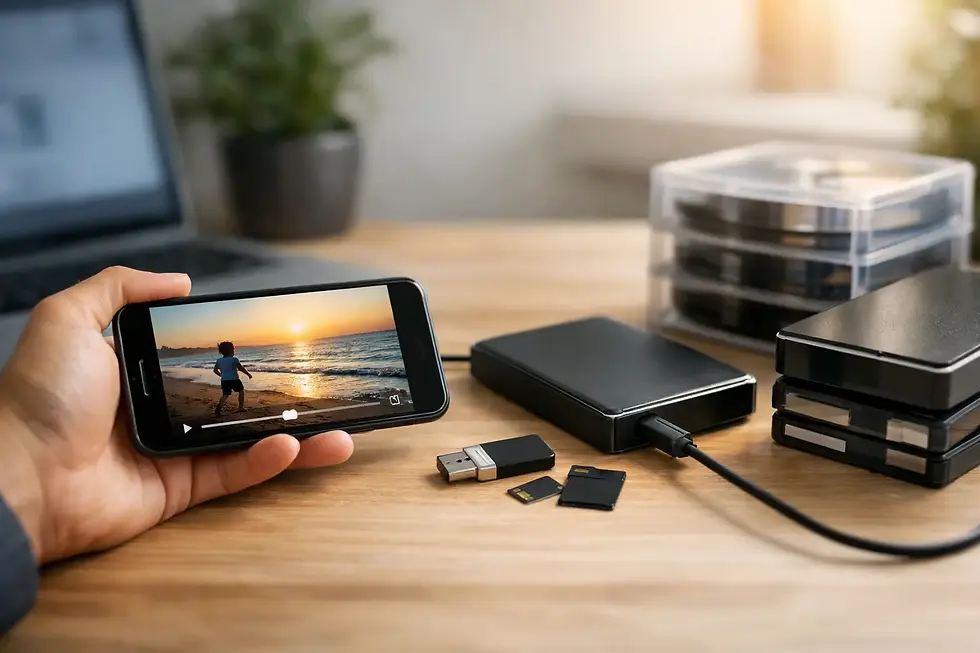
Digital files are not magic by themselves. They need to be stored responsibly. Once your transfer is complete, keep at least two copies in different places. A hard drive is convenient, but it can fail. A second copy on another drive or secure storage location provides added protection. For especially meaningful material, it is wise to maintain one easy-to-access copy and one backup copy that is rarely handled.
Preparing Your Media for Transfer
You do not need technical expertise to get ready. Start by gathering all tapes, reels, audio recordings, slides, negatives, and photos in one place. Look through drawers, closets, basements, and storage boxes. People often discover additional items after the first group has already been transferred.
Labeling helps, even if the information is incomplete. A note such as “Grandma's 80th birthday, around 1998” is far more useful than an unmarked cassette. If you know there are important sections on a long tape, write that down as well. A transfer provider can use your notes to help organize files and understand what deserves extra attention.
Avoid playing a questionable tape repeatedly at home. If it looks moldy, smells musty, has loose tape, or makes unusual sounds in a player, set it aside. The same rule applies to brittle film or reels with a strong vinegar-like odor. These signs do not always mean the content is lost, but they do mean the media should be evaluated carefully.
It also helps to decide what you want from the finished project before transfer begins. Do you want individual files for each tape? One edited highlight video for a memorial or anniversary? DVDs for relatives who prefer them? A photo and video montage with music and titles? Clear expectations make it easier to choose the right delivery method and avoid unnecessary extra work later.
Media Digitization for Businesses and Organizations
Media preservation is not only a family concern. West Virginia businesses, churches, schools, nonprofits, and local organizations often hold valuable recordings that were created long before digital file management became standard. A stack of old training tapes may contain information still useful to new employees. Event footage may document the people and history behind an organization. Older promotional video may include interviews or visuals that can be repurposed for a current campaign.
Digitizing these materials can make them useful again. Files can be reviewed without locating an aging VCR, selected clips can be edited into updated productions, and duplicate copies can be created for staff, archives, or presentations. It is also easier to establish an organized archive when materials are named consistently and grouped by project, date, or department.
There are trade-offs to consider. Not every old recording needs extensive restoration or editing. For a large archive, a straightforward transfer and sensible file naming system may be the most practical approach. For a key anniversary video, historical interview, or customer-facing project, color correction, editing, titles, and audio cleanup may be worth the additional attention. The best plan balances the value of the material with the way it will actually be used.
Choosing a Transfer Partner You Can Trust
When your media cannot be replaced, price should not be the only factor. Ask how the original items are handled, what formats can be transferred, whether tape repair is available, and how the final files will be delivered. It is also reasonable to ask about turnaround time, especially if you are preparing for a reunion, memorial, retirement event, or business deadline.
Local service offers a real advantage when you want to speak with a person, explain a project, and know where your originals are being handled. Digital Transfer Service of West Virginia provides personalized support for family collections and commercial projects, with services that range from film, video, audio, slides, and negatives to duplication, editing, and production work. Turnaround can often be as fast as one to five days, depending on the format, condition, and size of the project.
The right provider should make the process understandable. You should not need to know the difference between every tape format or decide on technical settings alone. A knowledgeable team can explain the options in plain language and help you choose a result that works for your household, office, or organization.
A recording does not have to be perfect to be worth saving. The laughter in the background, a shaky shot of a child at a school program, a retired employee telling a story, or a voice message from someone no longer here can carry more meaning than any polished production. Gather the media you have, make a plan for the pieces that matter most, and give those moments a future beyond the box they are stored in.
Comments